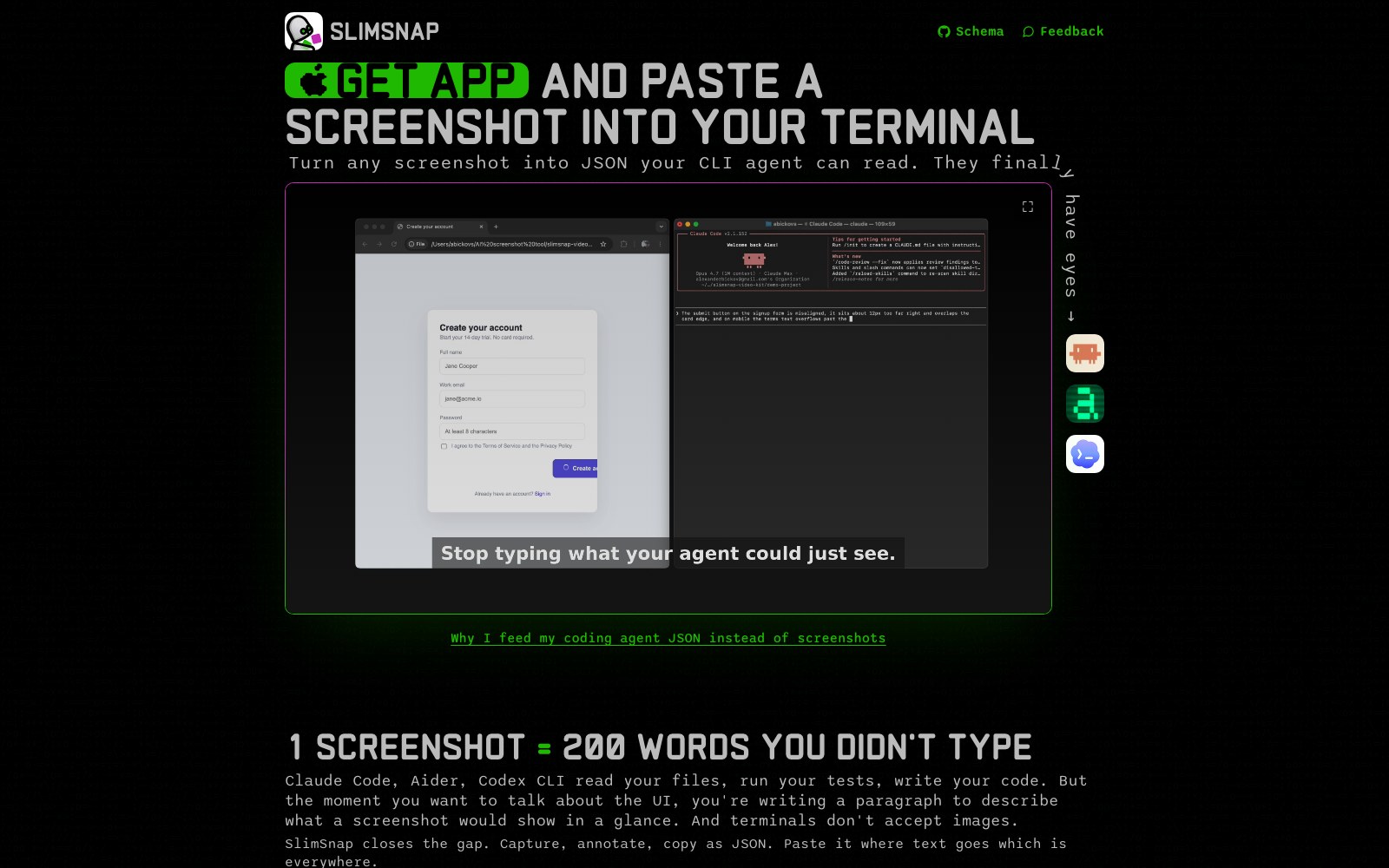
SlimSnap helps terminal-based AI agents understand screenshots. On Mac, users capture and annotate a region, then copy a structured JSON representation that can be pasted into Claude Code, Aider, Codex CLI, Cursor, Continue.dev, SSH sessions, CI logs, or any text-only surface. The official site emphasizes fewer vision tokens and deterministic UI layout information for coding agents.
主な機能
- Mac screenshot capture
- Arrows and annotations
- Screenshot-to-JSON conversion
- Claude Code/Aider/Codex CLI support
- Paste into text-only environments
- Lower vision-token usage
ユースケース
- Describe UI bugs to CLI agents
- Share screenshot context in terminal environments
- Add frontend debugging context
- Pass visual information through SSH/CI logs
- Reduce manual screenshot descriptions
- Help Codex CLI understand interface layout
FAQ
SlimSnap helps terminal-based AI agents understand screenshots. On Mac, users capture and annotate a region, then copy a structured JSON representation that can be pasted into Claude Code, Aider, Codex CLI, Cursor, Continue.dev, SSH sessions, CI logs, or any text-only surface. The official site emphasizes fewer vision tokens and deterministic UI layout information for coding agents. Core capabilities include: Mac screenshot capture, Arrows and annotations, Screenshot-to-JSON conversion.
Common scenarios include: Describe UI bugs to CLI agents, Share screenshot context in terminal environments, Add frontend debugging context.