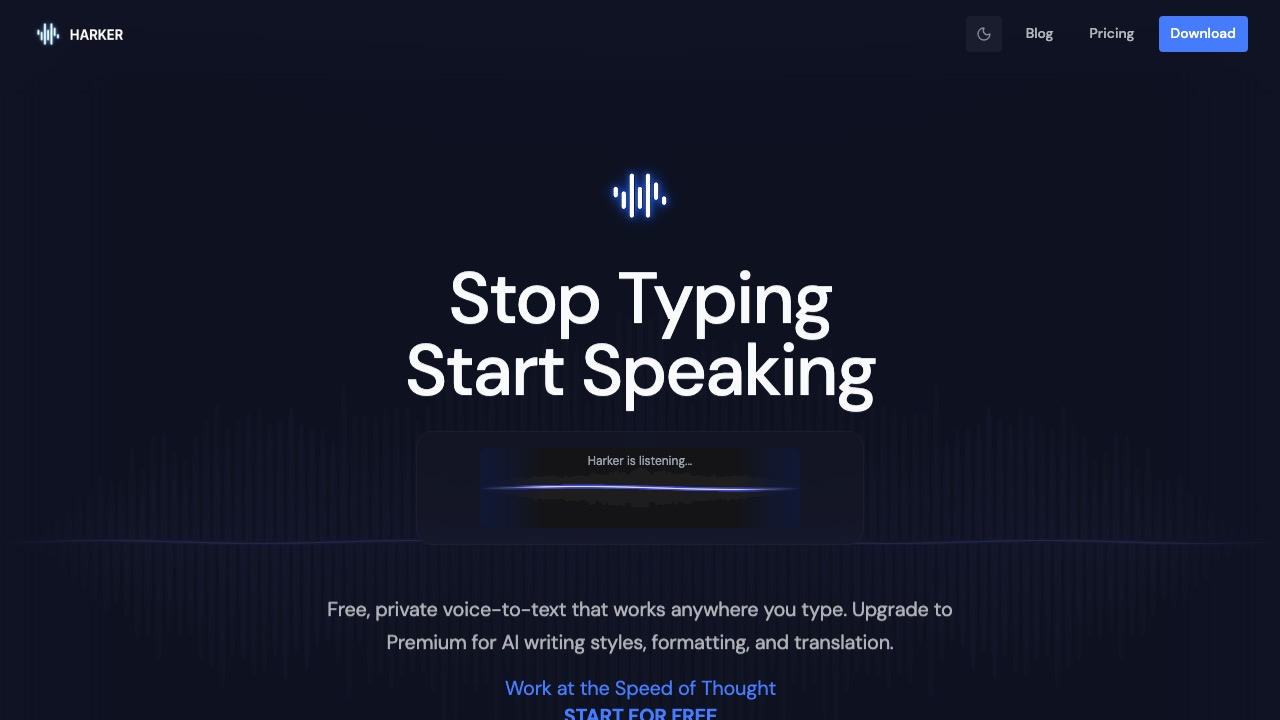
Harker is a local-first Mac dictation tool that converts speech to text instantly with strong privacy by default.
Features
- On-device transcription by default for voice privacy
- Global shortcut to trigger dictation
- Works across any text input context
- Post-transcription AI rewrite and summarization
- Low-latency output for faster writing
- Optimized for high-frequency communication workflows
Use Cases
- Fast replies for email and messaging
- Efficient input for AI prompts
- Converting post-meeting notes from voice to text
- Voice drafting during document writing
- Reducing keyboard fatigue
- Dictation in privacy-sensitive local workflows
FAQ
Harker is a macOS dictation tool with on-device transcription as its default mode, so voice data does not need to be uploaded to the cloud. It lets users dictate into emails, chats, AI prompts, and documents with a shortcut, and optionally apply AI rewrite, summary, or translation workflows. Core capabilities include: On-device transcription by default for voice privacy, Global shortcut to trigger dictation, Works across any text input context.
Common scenarios include: Fast replies for email and messaging, Efficient input for AI prompts, Converting post-meeting notes from voice to text.