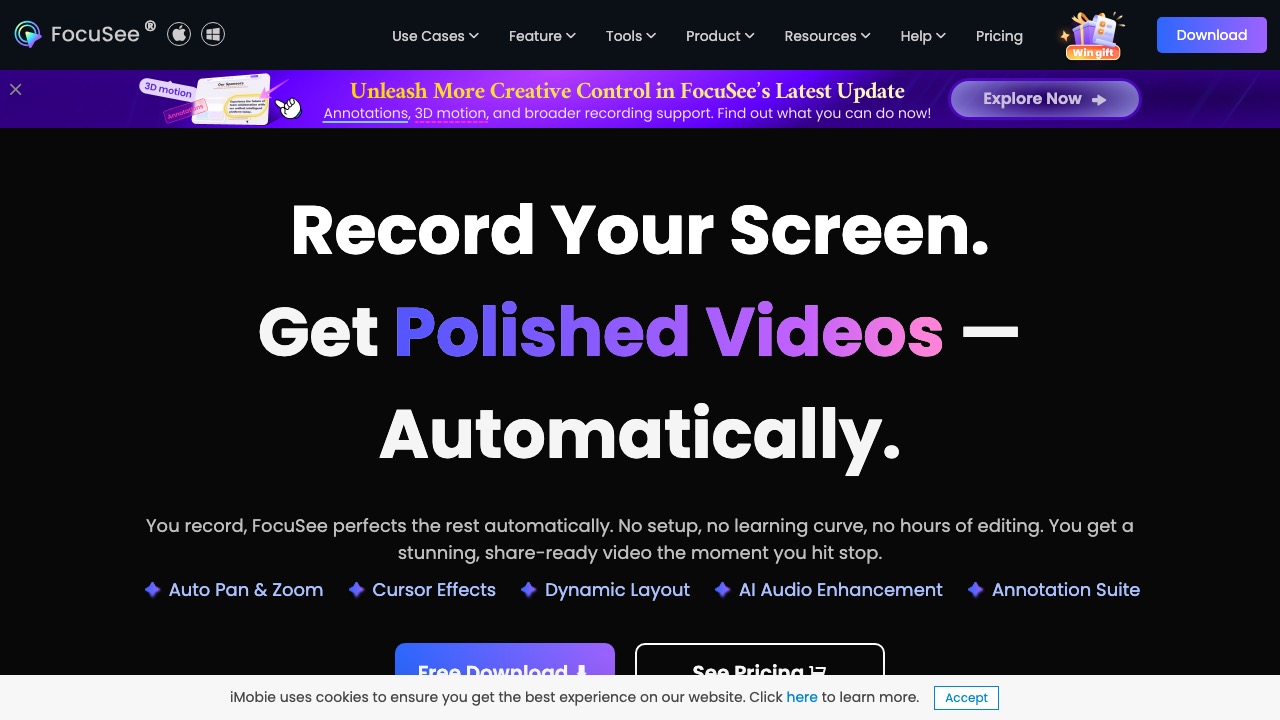
FocuSee records your screen and auto-edits it into polished demos and tutorials with zooms, captions, and audio enhancement.
Features
- Automatic baseline editing after recording
- Dynamic zoom and click emphasis effects
- Auto subtitles and keystroke visualization
- Audio denoise and voice enhancement
- Background replacement and visual polish
- Fast output for tutorials and product demos
Use Cases
- Product feature demo production
- Tutorial and course recording workflows
- Educational short-form social content creation
- SaaS onboarding material generation
- Sales and support demo video preparation
- Higher video production efficiency for creators
FAQ
FocuSee combines screen recording with automated post-production, including dynamic zooms, click effects, captions, noise reduction, and background processing to produce professional demos faster. Core capabilities include: Automatic baseline editing after recording, Dynamic zoom and click emphasis effects, Auto subtitles and keystroke visualization.
Common scenarios include: Product feature demo production, Tutorial and course recording workflows, Educational short-form social content creation.